


If you have a batch that is stuck in posting or has been sent to recovery this post is going to help you figure out how to recover that batch and figure out what is causing the error so you can fix it and post it. You can watch the video or follow the steps below.
See how much you can do for less. Check it out: Video demo of Fidesic AP for GP »
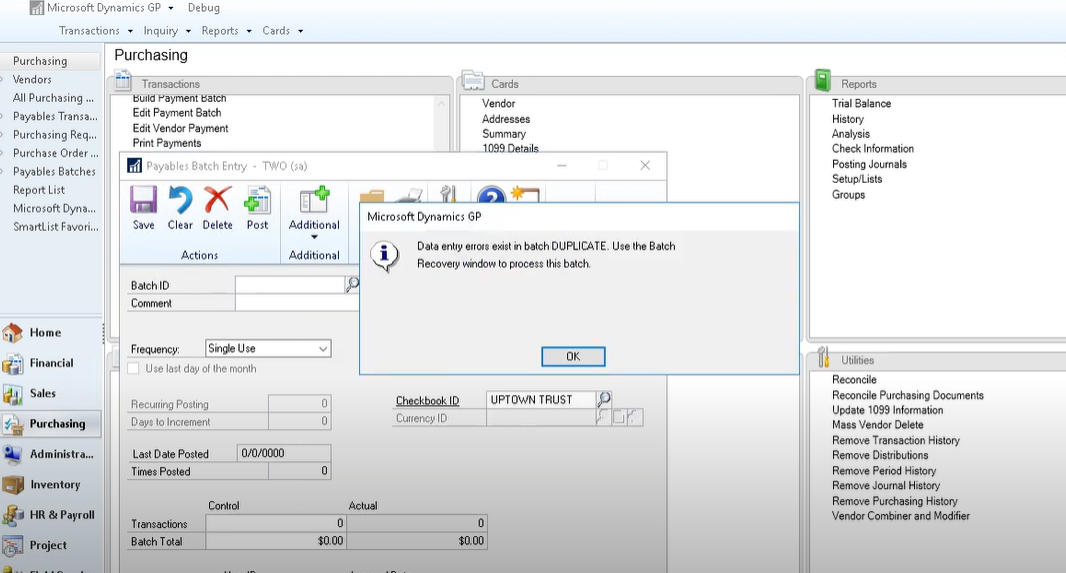
In this example, we have a duplicate which will cause this batch to encounter an error when we try to post it.
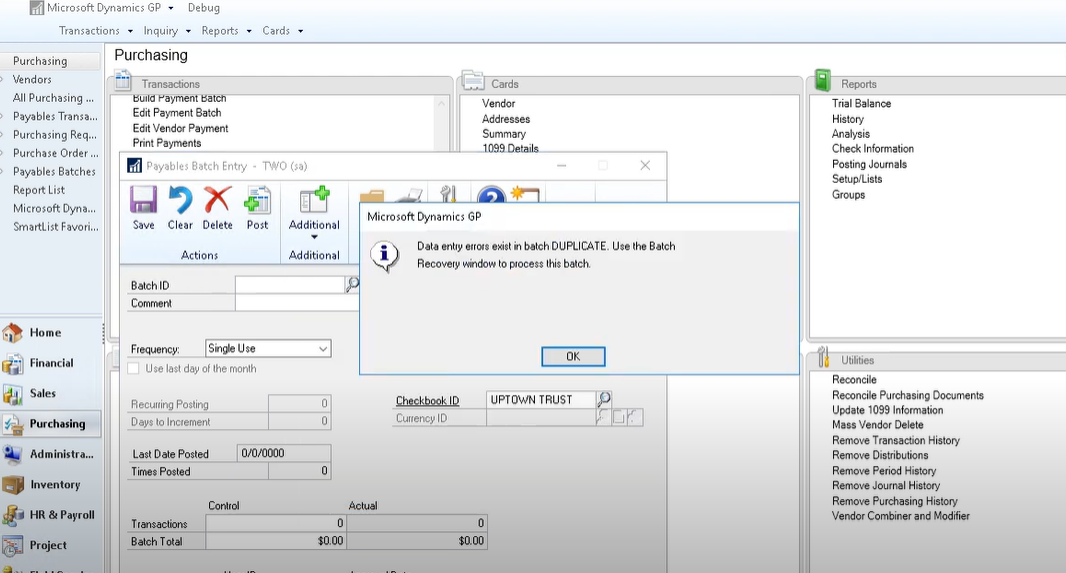 The error message that pops up should give you enough information to figure out what’s going on, but in many cases users will click through the message and you will have a stuck batch and you aren’t going to know why. If you find yourself in this situation, you can figure this out by recovering your batch.
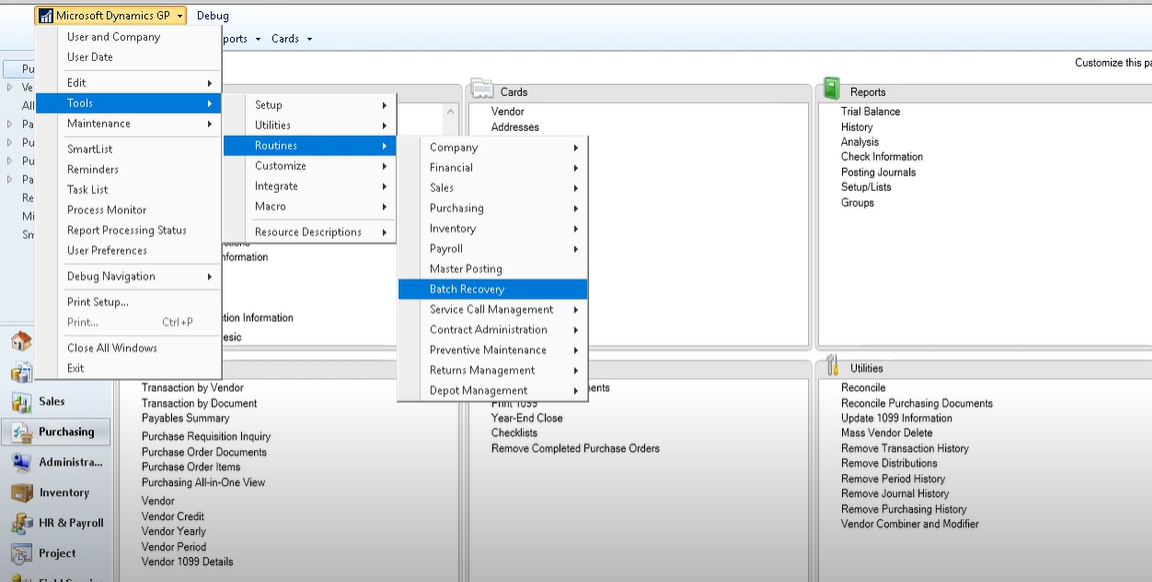 Go to your GP menu and select Tools > Routines > Batch Recovery
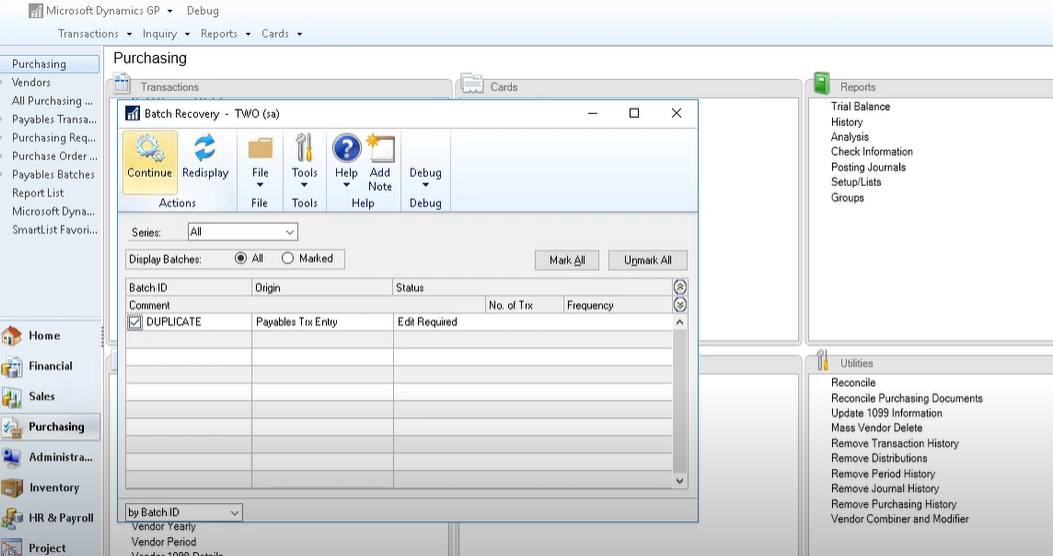 This will show you any batches that got stuck during the posting process so you can find out what the specific error is. Here you check the box next to the batch and click ‘Continue’ in the top left. This will take the batch out of recovery and make it an active batch again.
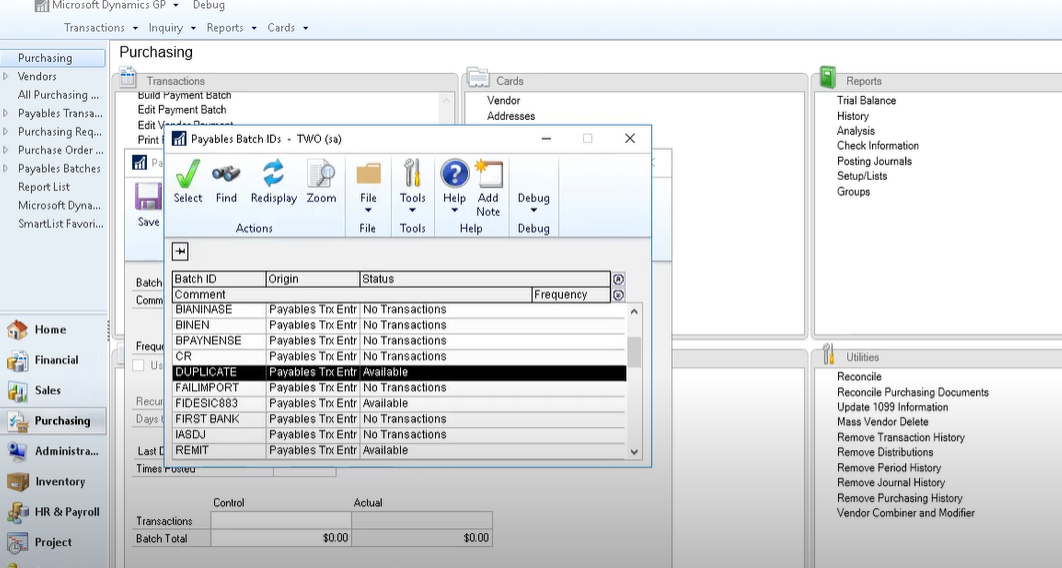 Now we can figure out exactly what the error is. Navigate to the active batches under the Purchasing menu and select the batch.
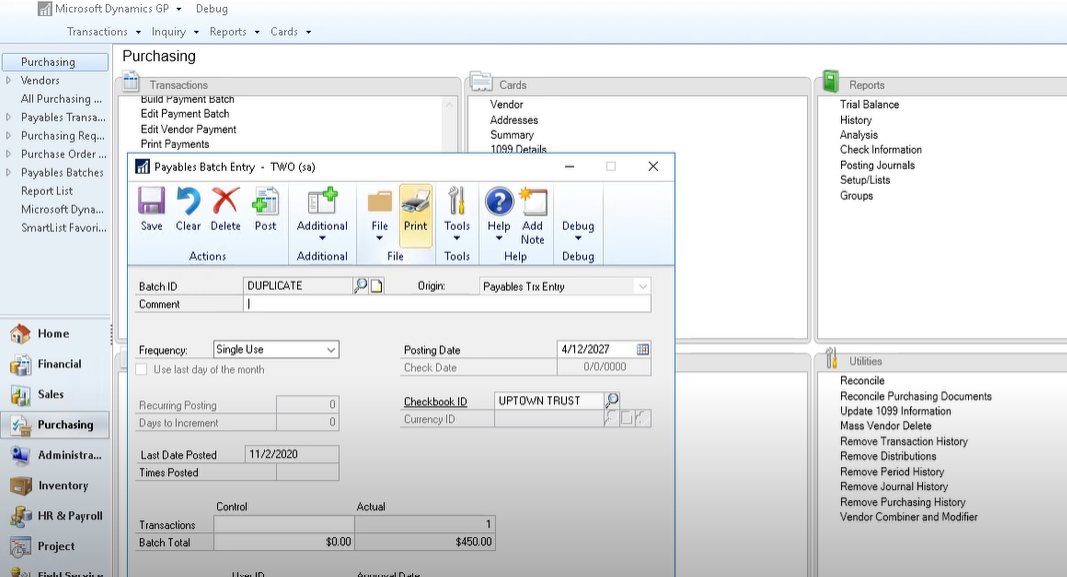 Once you have opened the batch click print to find out what is going on with it.
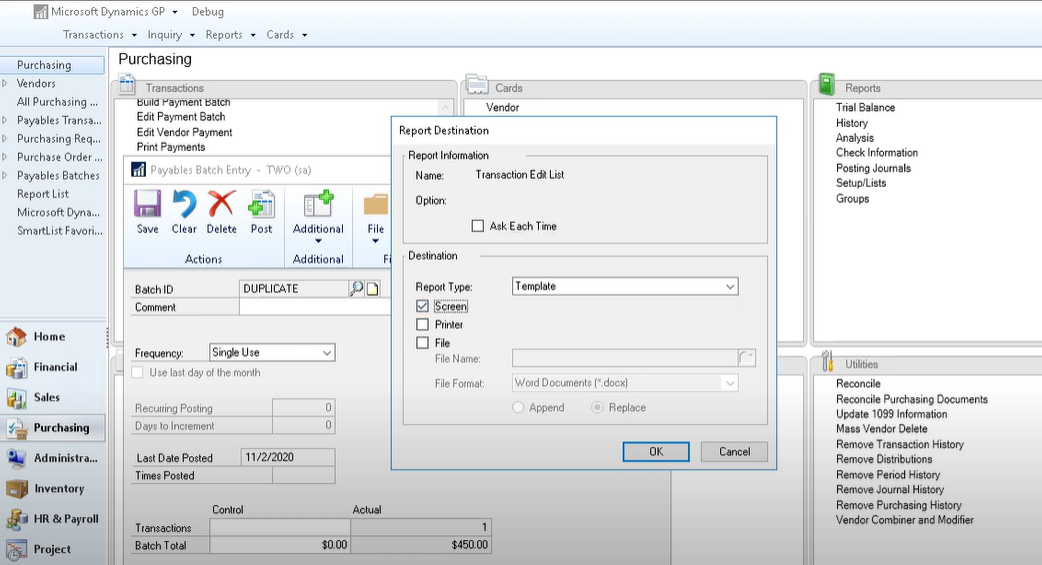 Print transaction edit list to Screen.
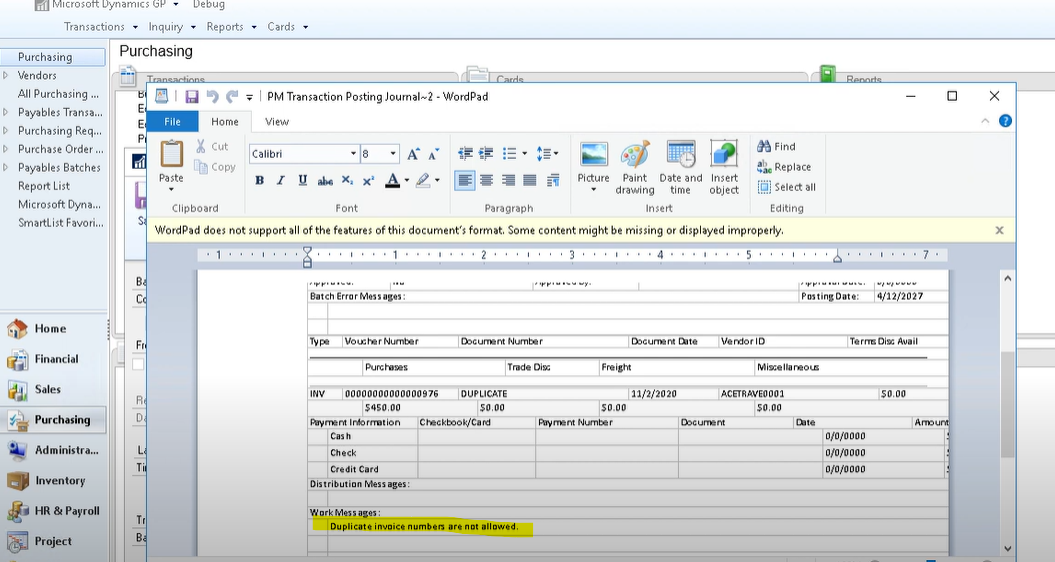 This will give you a popup telling you exactly what the problem is. In this example we know there is a duplicate invoice. In this case you would just delete it out, since you don’t want to enter a true duplicate.
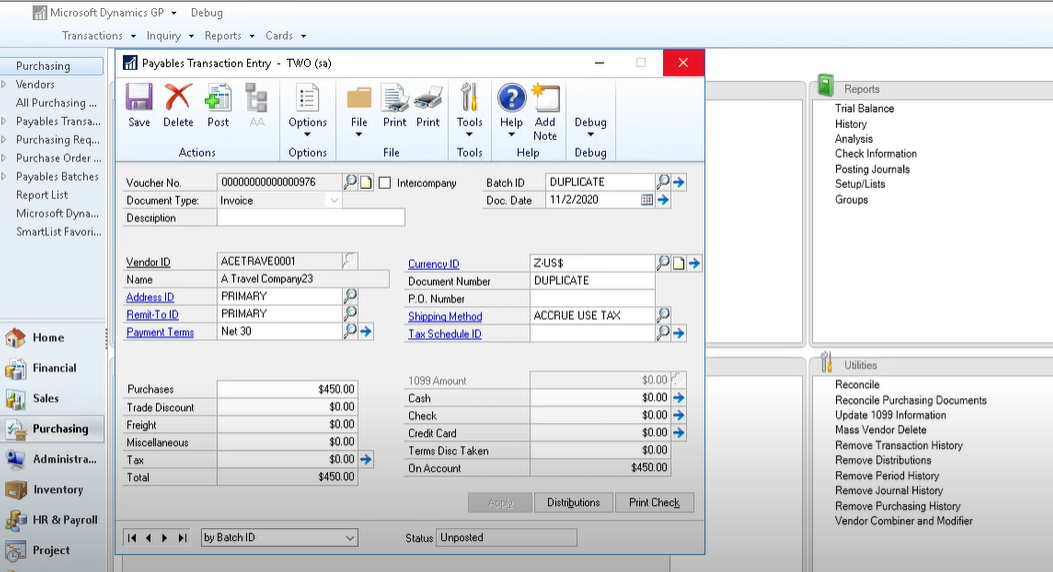 If there is another error or the duplicate has been caused by a misentry on the invoice number, you can go into the transactions menu on the batch and modify the document or invoice number so that you are no longer getting the error.
Once you do this you can simply post the batch as you normally would and you shouldn’t have any more problems with this batch.
Tired of slow, error-prone invoice processing out of Microsoft Dynamics GP? We have solutions to address your Great Plains accounts payable needs.
