If you are using Microsoft Dynamics GP and moving to Dynamics 365 Business Central, Dimensional Accounting is one of the major differences you will encounter in your accounting processes. Dimensional accounting has become a standard process available in many contemporary accounting software and ERP solutions. In this post we give a basic definition of Dimensional Accounting and then give a rundown on how Business Central Dimensional Accounting is different from Dynamics GP processes. Lastly, we will give a detailed explanation of how Dimensional Accounting works within Business Central.
What is Dimensional Accounting?
Dimensional Accounting is simply the accounting software process of tagging transaction entries with appropriate groupings or categories.
It is used to help simplify and improve reporting, planning and analysis. For example, you can tag a transaction with the corresponding location, business unit, entity or other key markers.
This makes it easier to track trends, run audit reports and reduce overall maintenance on GL accounts. It also helps improve continuity and purity within your charts of accounts.
Dimensional Accounting in Microsoft Dynamics Business Central vs. Dynamics GP Segmented Accounting
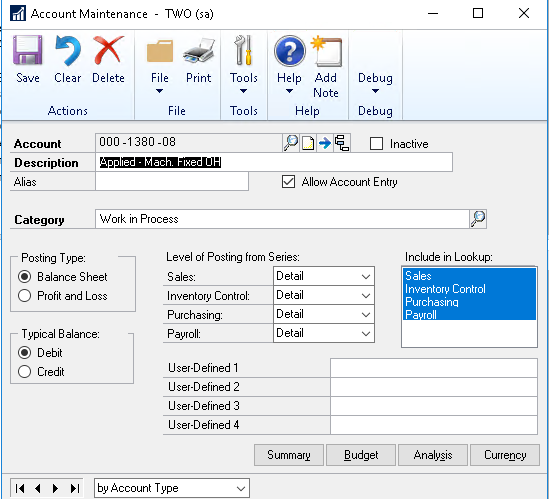
If you are currently using Great Plains or recently switched from GP to BC, you are probably familiar with GP’s account segments. BC Dimensions remove the segment out of the account structure.
This means you don’t need segments to capture data such as location, department line of business etc. You just use Dimensions dropdowns to select the value for these categories with each transaction.
In most cases the benefit of this is a significantly smaller list of accounts since you don’t have so many segment variations on the same higher-level account. In this way, Dimensions offer more flexibility and you can also make Dimensions required or optional.
For more info on differences between GP and BC see this post:
Microsoft Dynamics GP vs Business Central: Consider these Differences
How Business Central Dimensions Work
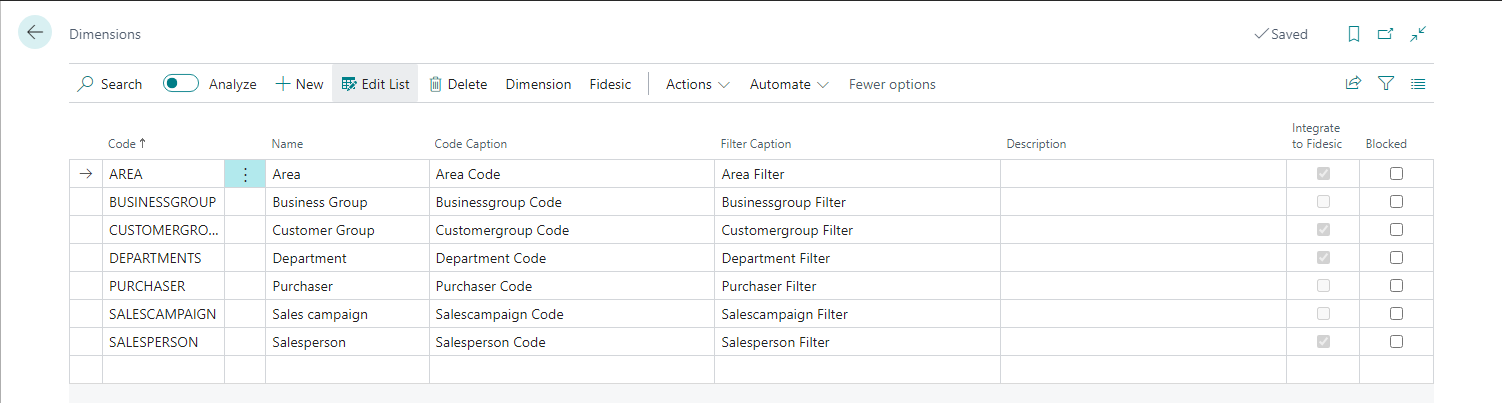
In Business Central, Dimensions are used to define and identify categories like locations and more, as described above.
Dimension values are the labels you use to define and Dimension. So your location Dimension may include values like Grand Rapids, East Lansing or Detroit etc. A Dimension can consist of any amount of Dimension values. So, for example, hundreds of locations are no problem.
A Dimension may also include a line of business in which case the values for this Dimension would be something like Field Service, Consulting, etc., rather than location. How you set these up depends on what will makes sense for you.
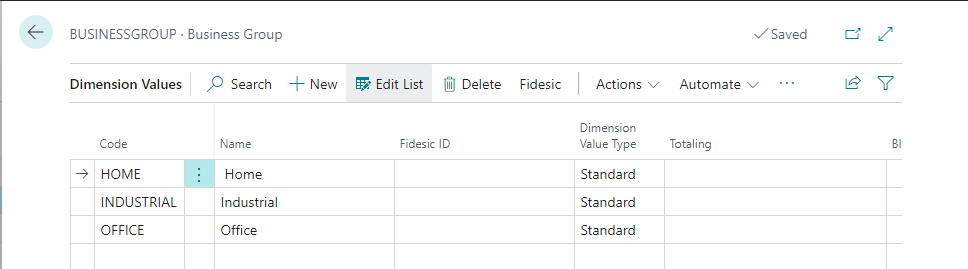
Global Dimensions vs. Shortcut Dimensions in Business Central
There are two types of Dimensions in Business Central--Global Dimensions and Shortcut Dimensions.
- Global Dimensions are critical to managing your charts of accounts and you are only able to set up two of them so it is going to be a key part of your decision making process when implementing and configuring BC. Global Dimensions are used as filters on reports, batch jobs etc.
- Shortcut Dimensions are subsets of categories used for detailed analysis and are not used as filters. They are available as fields on journals, sales and/or purchase lines and ledger entries. For example, a Home Clean-Up and Restoration company may have a Global Dimension like "Service" and choose the value of "Field Service." Shortcut Dimension would then be something like "Field Service Type" and include values like Specialty Cleaning, General Cleaning, Water Damage, Fire Damage etc. There is no limit to the number of Shortcut Dimensions you can use, however the more you use the more you risk muddying your data.
It is important to note that once you create a new Dimension in any entry (a line or new record for example), you cannot delete the Dimension. This is true even if you do not post the entry.
Fidesic AP Service Suite Works with Dimensions and Segments
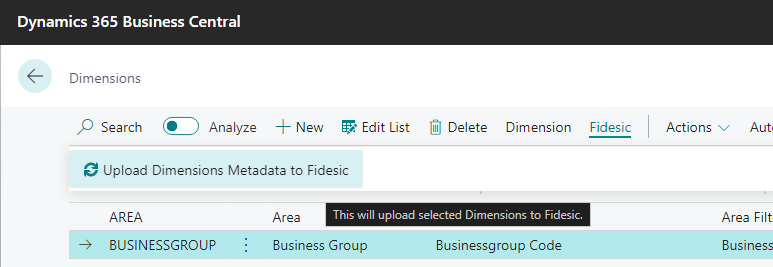
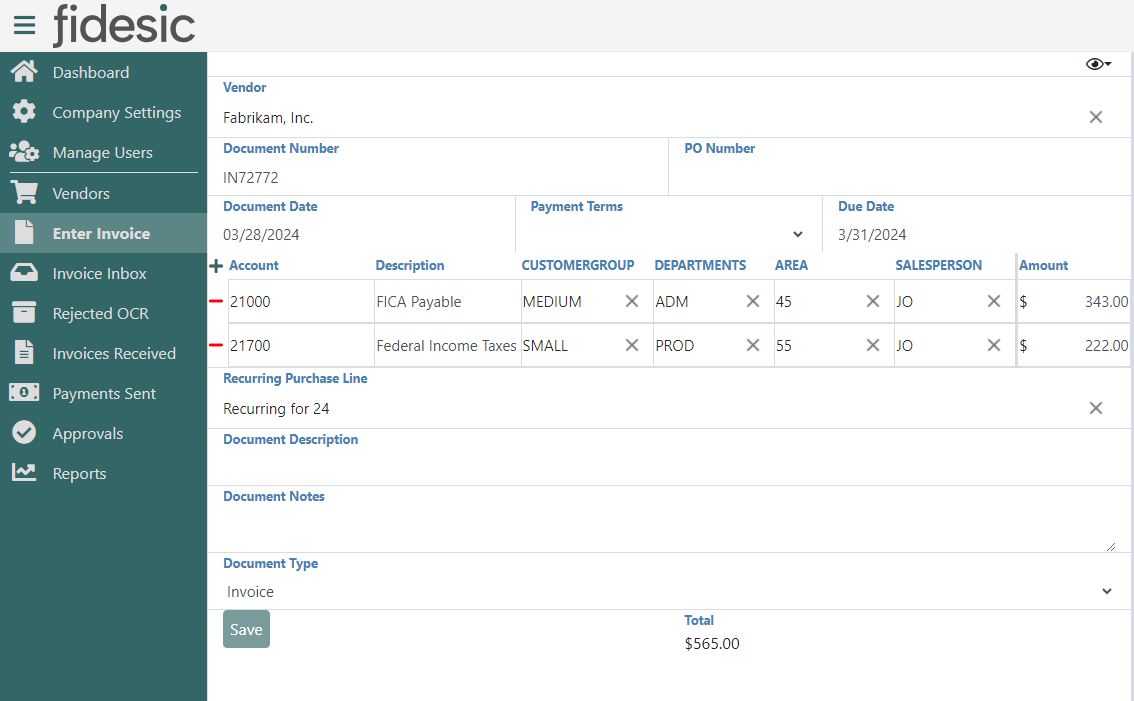
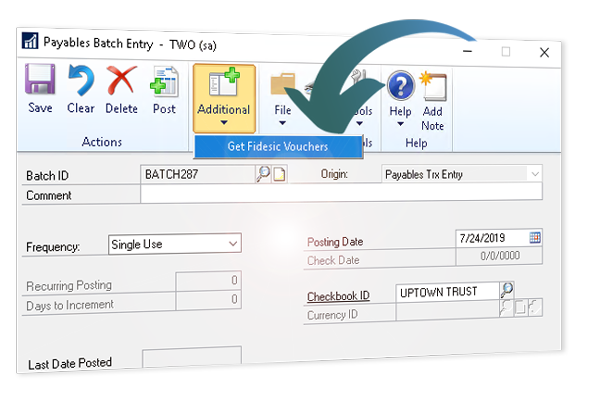
Whether you are planning a migration or in the middle of one, or even if you have no plans to move of Great Plains any time soon, Fidesic has you covered. Accounting data is critical to success. That's why we keep our integration focus narrow. Our solutions are built for GP and BC only because we want to get it right.
Conclusion
For those who are considering or in the process of migrating from Dynamics GP to Business Central, the transition from using segmented accounting vs. dimensional accounting is a significant one.
While dimensional accounting simplifies your accounts structure and offers more robust and flexible option, GP users should understand that this is a very different process. It is also important to understand your integrations and add-on product ecosystem. Your current Great Plains enhancement solutions might not work directly with BC the way they do with GP.
It is a good idea to talk to your Dynamics ERP consultant to better understand how this change will impact you process and whether or not it is right for your business.