

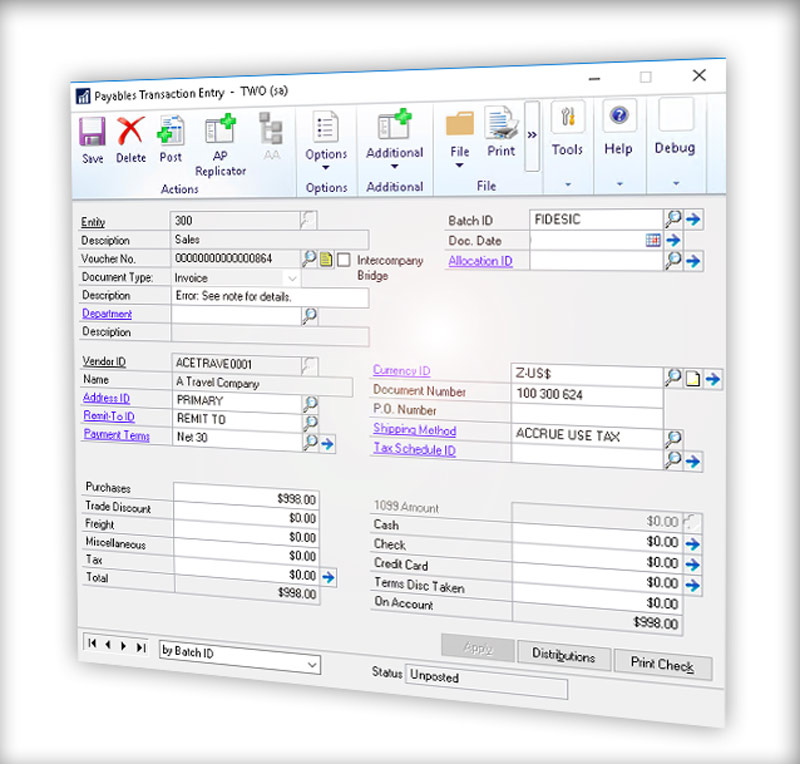
In this post we show Microsoft Dynamics GP users how to run a Great Plains accounts payable aging report. This is a standard report GP. Before we get into how to do it we will first answer two questions that will help you regardless of your accounting system: What is an AP aging report? Why is aging AP important to track? Let’s find out…
What is an AP Aging Report?
An accounts payable aging report is simply a list of outstanding payments owed to suppliers and vendors. But what is an accounts payable aging report used for? Well, it is an important tool for business accounting departments to keep track of all the unpaid invoices and bills along with their due dates, organized by the length of time they have been overdue. It is a key part in evaluating a company’s cash flow situation.
Get more value out of Dynamics GP. Check it out: Video demo of Fidesic AP for GP »
Why is an Aging AP Report so Important?
An aging AP or payable aging report is extremely important for planning and budgeting. It helps identify potential cash flow problems and areas where improvements can be made. Cash flow is critical to keeping a business operating. Even highly profitable businesses can run into trouble or even fail if cash flow is not properly managed.
The aging AP report is also a way for businesses to proactively stay on top of their financial obligations and avoid late fees, penalties, and damage to their credit rating. It also helps to identify any disputes or discrepancies with suppliers or vendors, which can be addressed promptly to avoid any disruptions to the supply chain.
For accounts payable teams, the payable aging report serves as one of the important tools used to provide a clear picture of the company's liabilities and helps stakeholders make informed decisions about their finances.
Great Plains Accounts Payable Aging Report
Running a basic Great Plains accounts payable aging report is pretty simple. This is the best way to find out where you stand with your outstanding invoices, identify common problems to help streamline your AP process. It’s also a great way to help prioritize which invoices are most critical to your operations. Let’s get started…
Step 1: Opening the Great Plains Accounts Payable Aging Report
To begin, open Microsoft Dynamics GP and go to the Reports section. The Reports section can usually be found in the menu of Financial module or a similar module. From there, find the 'Purchasing' or 'Financial' reports (label may vary depending on your version).
Now locate and open the 'Aging' report. This will bring up a new window with several options.
Step 2: Customize Your Criteria
In the new window, you will see several criteria options. You can select the aging period, the vendor ID, the aging date and other parameters. Pro Tip: The aging period is the number of days between the invoice date and the aging date. The vendor ID is the unique identification number for the vendor you wish to run the report for. The aging date is the date up to which you want to see the outstanding payables.
Step 3: Reviewing the Report
Once you have entered your criteria, you can run the report. Depending on your setup you may see a button that says Print, Generate or similar. The report will generate based on your custom criteria.
Step 4: Accounts Payable Aging Analysis
The accounts payable aging report is an essential tool for managing your company's cash flow. By analyzing the report, you can identify which vendors are causing the most significant cash flow problems and take appropriate action to resolve the issue. You can also use the report to monitor your company's payment terms and identify any vendors who are consistently late with their payments.
It's important to note, the availability of specific reports, including the Accounts Payable Aging report, may vary based on GP versions, configurations, and perhaps specific modules or additional add-ons installed. Other reasons like user permissions, naming variations etc. might prevent this report from appearing in your specific instance of GP.

Conclusion
Running a Great Plains accounts payable aging report is a simple process that can provide valuable insights into your company's finances. By regularly reviewing the report, you can take proactive steps to manage your cash flow and ensure that your most important vendors are getting paid on time.
Regardless of your accounting systems, a payables aging report is a critical cash flow management tool. It not only helps you stay on top of financial obligations, it can help you identify common errors in your accounts payable process and maintain strong relationships with their suppliers and vendors.
