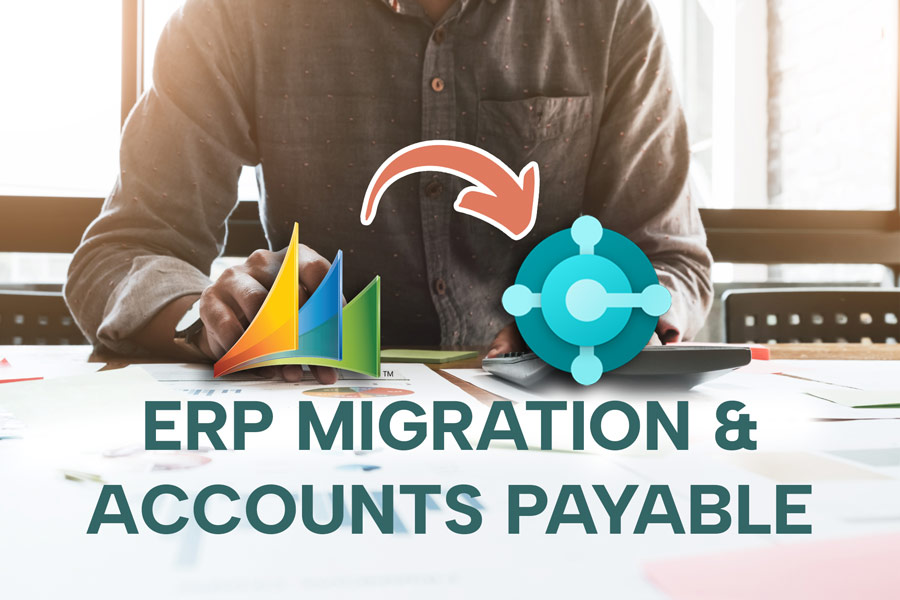
Like any large financial data migration, you can expect a migration from Dynamics GP to Business Central to create some workflow disruption, data continuity concerns. Sometimes team retraining requirements on the new platform can delay projects and increase costs. This post breaks down the operational challenges AP teams face during a Dynamics GP to Business Central transition and outlines when to implement automation based on where you are in the migration timeline.
Learn more about: GP vs BC Key Differences for AP Users
GP to Business Central Migration: The AP Department Perspective
Most migration planning focuses on technical data conversion and system architecture. The AP department faces distinct operational challenges during transition:
Workflow Disruption
- Approval processes built in GP over years require recreation in Business Central
- Custom routing rules and exception handling need redesign
- Integration points with payment systems break during switchover
- Team productivity drops during learning curve period
Historical Data Access
- Approved invoices remain in GP while new invoices enter Business Central
- Audit trail splits across two systems during transition
- Year-end reporting requires data from both platforms
- Vendor payment history becomes fragmented
Team Retraining Requirements
- AP specialists learn new Business Central interface and workflows
- Approvers adapt to different notification and approval methods
- Month-end close procedures change significantly
- Documentation and process guides require complete revision
Technical Integration Gaps
- GP integrations with OCR, payment processors, and document management systems don't transfer automatically
- Custom Integration Manager scripts become obsolete
- Third-party AP tools may not support Business Central
- New integration development extends timeline and budget
Risk Concentration Companies often delay automation projects until "after the migration completes," leaving manual AP processes in place during the most critical operational period. This approach may compound migration stress and even extend timeline to realize ERP investment benefits.
Make payables work better for GP: Video demo of Fidesic AP for GP »
Decision Framework: When to Implement AP Automation
Scenario 1: Considering/Planning Migration (12 Months Out or More) Best approach: Implement Fidesic on GP immediately. Gain automation benefits now. Migrate to Business Central when ready with proven workflows in place.
Scenario 2: Mid-Migration (Business Central Implementation Underway) Best approach: Implement Fidesic on GP now. Maintain AP stability during critical migration period. Switch to Business Central connection when confident in ERP stability.
Scenario 3: Recently Migrated (0-6 Months Post-Go-Live) Best approach: Implement Fidesic on Business Central. Native AppSource app designed specifically for Business Central users. Realize automation benefits while team adjusts to new ERP.
Why Start AP Automation on Dynamics GP Before Your Business Central Migration
If your organization is planning to migrate from Dynamics GP to Business Central, you might be tempted to wait until after the transition to implement AP automation. But here's the thing—starting with AP automation while you're still on GP actually makes your eventual BC migration significantly smoother.
Your Setup Travels With You
When you implement AP automation on Dynamics GP first, you're not doing throwaway work. Your entire configuration—approval workflows, user roles, banking information, invoice inbox settings, and vendor preferences—can migrate directly to your new Business Central environment. All that time spent dialing in your processes? It carries forward.
Your Team Already Knows the System
One of the biggest hurdles in any software transition is user adoption. When your AP team is already comfortable with the automation platform before the ERP switch happens, they're not learning two new systems at once. The approval interface remains familiar, which means most users won't need additional training when you move to BC. They can focus on learning Business Central itself rather than juggling multiple learning curves simultaneously.
Test Without Disruption
Starting on GP means you can work out the kinks in your approval routing, capture settings, and payment processes while your current system continues running normally. By the time you're ready to migrate, you've already validated that your workflows function the way your business needs them to. The BC migration becomes a matter of connecting to a new ERP—not redesigning your entire AP process from scratch.
Preserve Your Invoice History
Your historical invoice data doesn't disappear when you migrate. Your original GP-connected account transitions to read-only mode, giving you continued access to past records while your new BC environment handles everything going forward. No gaps, no lost documentation.
Less Discovery, Faster Go-Live
Migration to BC with an existing AP automation setup is fundamentally different from a fresh implementation. The discovery phase—understanding your approval hierarchies, identifying stakeholders, mapping out exception handling—has already happened. Your implementation team can focus on the technical connection to Business Central rather than starting from zero on business process design.
The bottom line: implementing AP automation before your Business Central migration transforms what could be two major projects into one continuous improvement. You gain efficiency now, and you set yourself up for a faster, less painful ERP transition later.
Already Mid-Implementation? Build AP Automation Into the Rollout
If Business Central implementation is already underway, the window for adding AP automation hasn't closed—it's actually wide open. Integrating automation alongside the ERP deployment means configuration, testing, and training happen in parallel rather than sequentially. One project. One timeline. One change management effort.
Waiting until Business Central is fully live and relying on native AP functionality creates compounding risks. Manual invoice handling, limited approval routing, and basic payment workflows may technically function—but they introduce bottlenecks, increase error rates, expose gaps in audit trails, and leave vendor payment data without the security controls purpose-built AP tools provide.
The harder problem comes after go-live. Once the ERP is deployed and the team has built workarounds using native tools, organizational appetite for another system change drops significantly. Budget moves elsewhere. Spreadsheets and email approvals become "how we do things." The friction required to displace a functioning-but-flawed process often exceeds the friction of implementing automation during the original rollout.
Building AP automation into an active implementation avoids that trap. The investment case is already made, the team is already in implementation mode, and the infrastructure is still flexible enough to accommodate integrated workflows from day one.
Conclusion
Migrating from Dynamics GP to Business Central will disrupt workflows, raise data continuity questions, and potentially stall projects while your team gets up to speed. That's the reality of any major ERP transition.
But it doesn't have to hit your AP department twice.
Unified automation across both platforms keeps invoices flowing, approvals routing, and payments processing—even as the system underneath changes. Your workflows carry over. Your team stays productive. Your historical data stays accessible.
Two platform transitions. One continuous process. Start now, and your BC migration becomes a connection change—not a rebuild.